Activity statistics
Statistics summarises activity across the instance. Unlike the Validation and Quality workload cards, this page is not restricted to the currently selected territory.
Read the dashboard
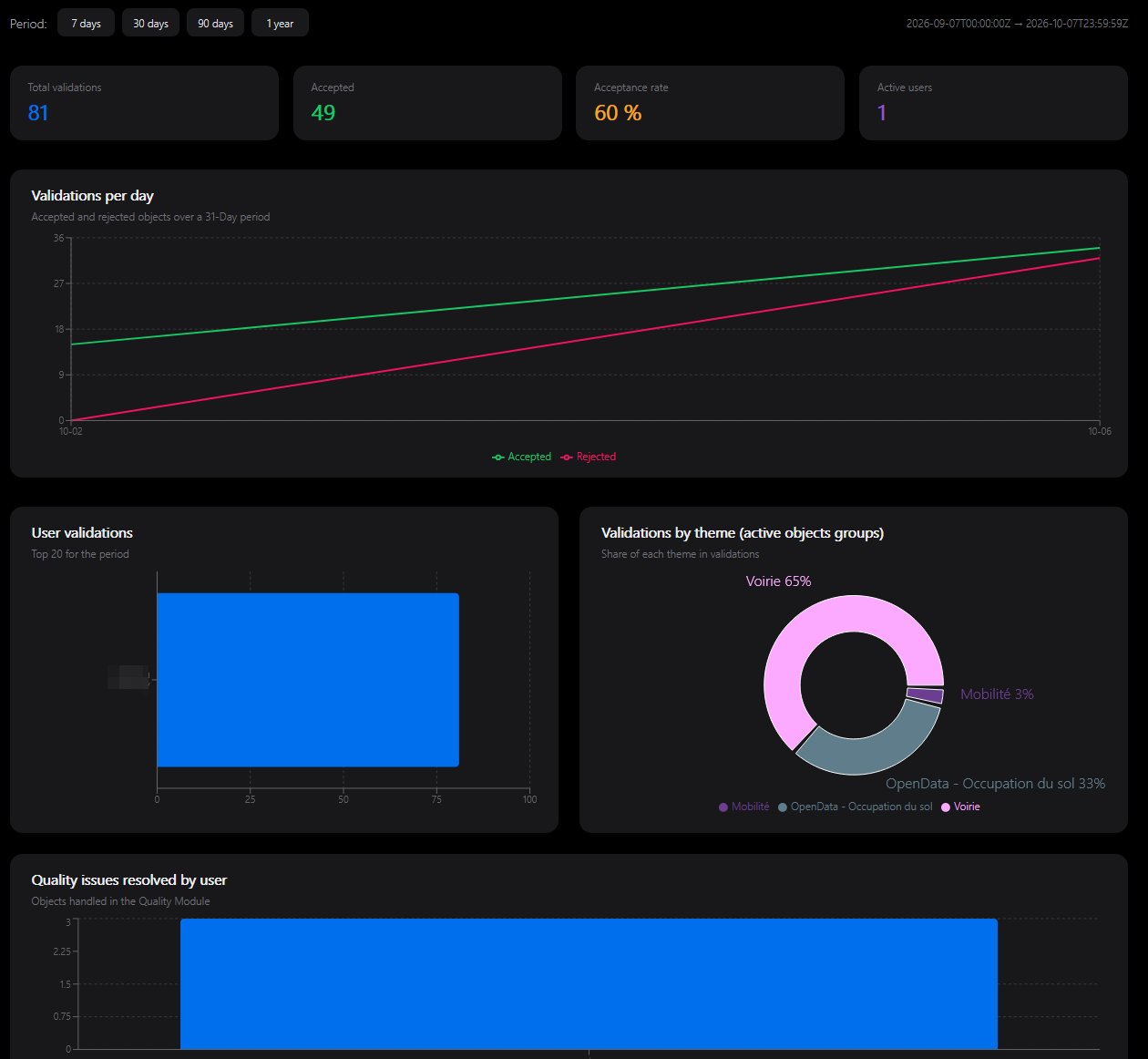
Choose a period using the 7-day, 30-day, 90-day or one-year shortcuts. The dashboard presents:
- total recorded validations, accepted decisions and acceptance rate;
- users represented in the validation activity;
- accepted and rejected decisions over time;
- validation activity by user (top 20) and theme;
- recorded quality resolutions by user.
Hover over charts for their values. A loading or error state should not be interpreted as zero activity.
Compare like with like
A validation record, a distinct object and an integrated primitive are different units. Several group decisions may concern the same object. Integration can add necessary dependencies, and some approved roots can remain blocked.
Do not compare the validation total directly with the integration object's count or use it as proof of reference freshness. Likewise, a quality resolution records processing in LeBonTag, not necessarily an external OSM correction.
Use Integration monitoring to check publication, and My territory to plan the work currently accessible to you. When reporting figures, include the selected period and the metric's label.