Account and preferences
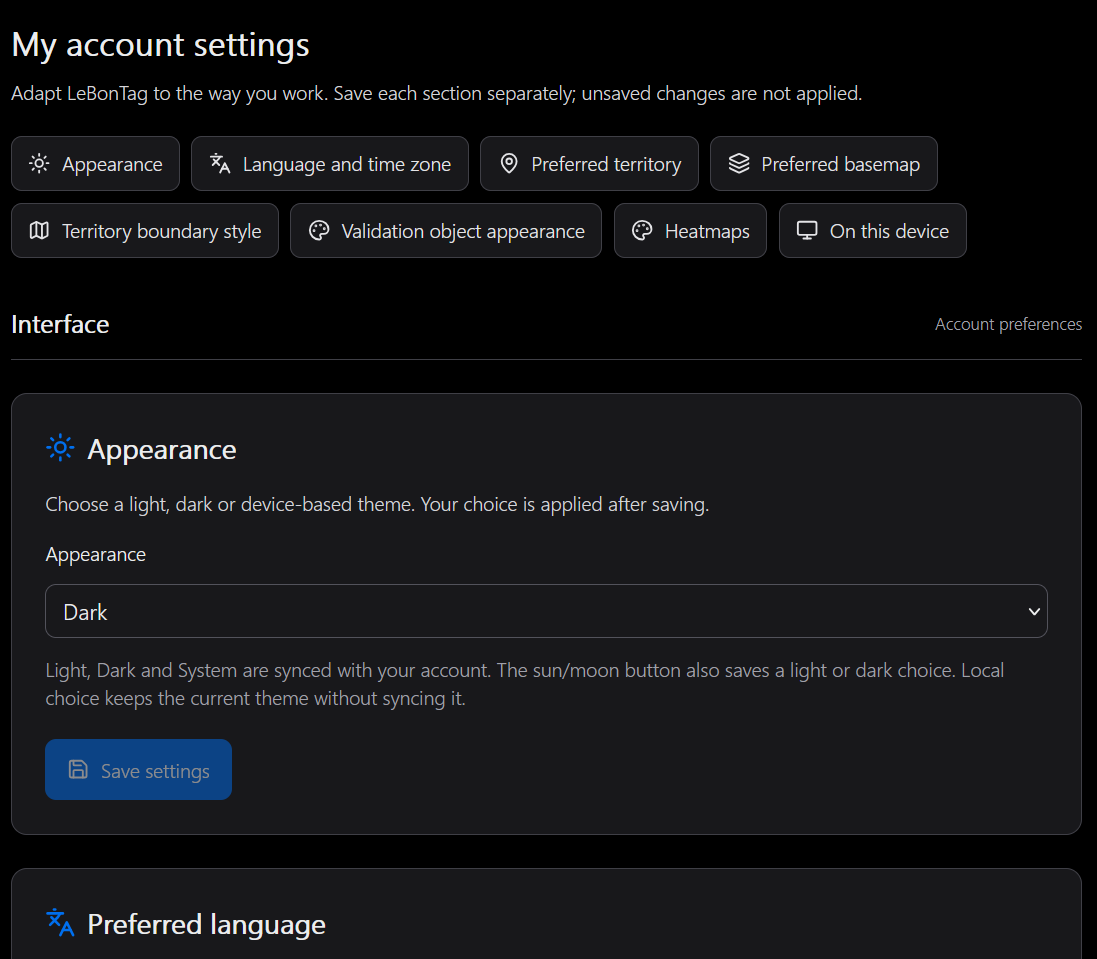
Open My account from the user menu to manage your notification address and subscriptions. Open Settings for interface and map preferences. These are personal settings; administration defines the instance defaults and available resources.
Notification address
A personal address takes priority over the address supplied by the authentication provider. If neither exists, the account displays that no email is defined.
- Add or change the personal address and save.
- Request a confirmation email.
- Open its link and confirm on the confirmation page.
- Return to your account and check the verified state before enabling delivery.
Changing the address requires verification of the new address. Removing the personal address returns to the provider address when available; check the resulting verification and subscription state. This does not change your login identity or the provider's own profile.
Do not share a confirmation link. If it is expired, replaced or already consumed, request another one. See Notifications.
Settings saved with your account
| Setting | Purpose |
|---|---|
| Theme | Light, dark or system appearance |
| Language and time zone | Preferred interface language and date/time presentation where supported |
| Preferred territory | Starting territory among those assigned to you |
| Preferred background | Starting tile, WMS or WMTS layer among available backgrounds |
| Footprint style | Outline and fill colours, opacity and line width, with preview |
| Density palette | Preferred preset for the Validation and Quality heatmaps |
Use the section shortcuts to reach a setting, save the change and inspect its effect. Where offered, returning to the default removes the personal override. Personal choices do not alter the administrator's setting for other users. Time-zone preferences do not change server schedules.
What remains local
Help-message preferences, window positions and local reset concern the browser. Active background combinations and the current working territory can also be remembered locally for continuity while working. Window placement is not synchronised between different screens.
A local reset can remove locally remembered choices without deleting database-backed account preferences. The preferred background is not a command to discard your current layer composition every time a map opens.
Limits
You cannot increase the administrator's maximum objects per group, enable a disabled module, add a background server or gain access to another footprint through your preferences. If a saved resource disappears, select an available alternative.
Validation map appearance
In Settings → Validation object appearance, choose Colour by action, Colour by theme, or Use administration setting. This preference is stored in your account and applies on your other devices. Inheritance follows later changes to the administration default; an explicit personal choice takes precedence. Save changes with the disk button or cancel pending edits.
This setting does not change the Quality map or the heatmap palette. See Reviewing changes.