Instance settings
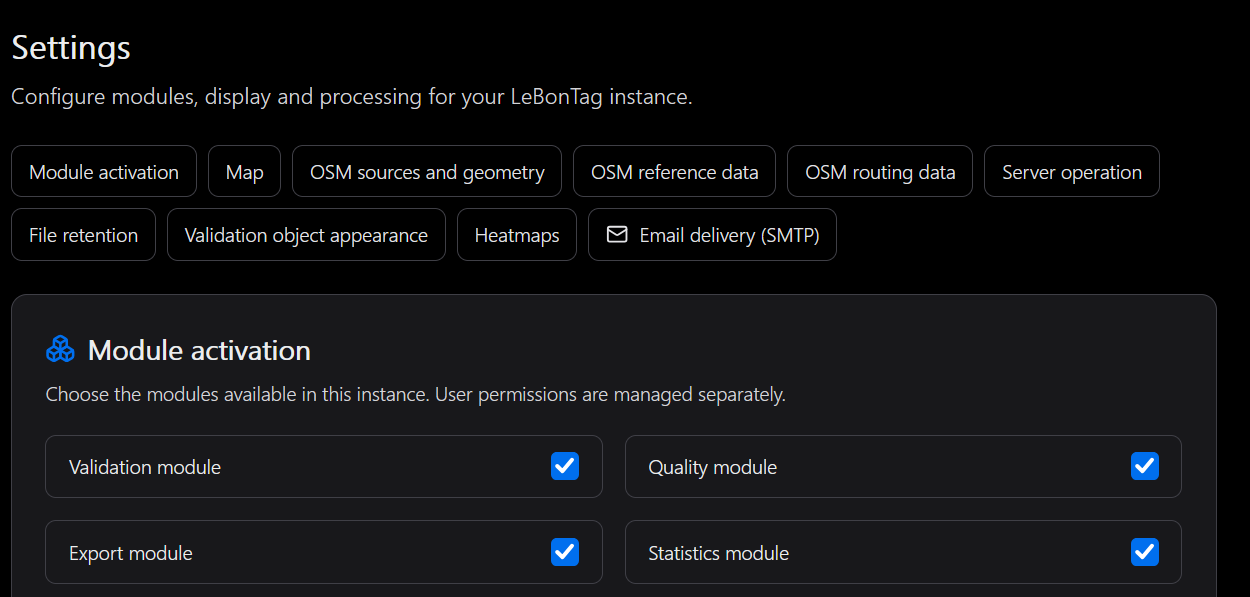
Use the section shortcuts on Administration → Settings. Read the section help before changing a value, use its save action and check the result. Some sections, including SMTP, have their own controls; saving the general form is not a substitute for those actions.
Settings by purpose
| Section | What it controls | Important boundary |
|---|---|---|
| Modules | Availability of Validation, Quality, Export and Statistics | Disabling a UI module does not uninstall its services |
| Map | Detailed object limit per group, footprint colours, opacity and width | The object limit is administrator-only; users can override supported visual defaults |
| Density | Default heatmap palette | A user can select a personal preset |
| OSM | API/replication endpoints and geometry tolerance | The PBF and replication stream must correspond |
| Reference database | Update setting, source/style paths, schema, prefix and SRID | Changing a field does not rebuild or migrate an existing reference |
| Segmentation | Optional derived database settings | Requires its service and compatible source data |
| Server | Application directory, retry and timeout parameters | Does not replace systemd permissions or environment configuration |
| Files | Export, log and OSM-file retention | Cleanup must be installed and active |
| SMTP | Sending server, sender, security and test | See Email administration |
Map defaults
Use the outline/fill preview to check readability on both light and dark backgrounds. Opacity is independent of colour. Keep the selected-object and hover indicators distinguishable from the footprint.
The per-group limit protects detailed map performance. Reducing it changes how many objects are drawn, not the underlying amount of work. Overview density and total counters must not be interpreted as being capped by this display limit.
Geometry tolerance
Tolerance participates in calculating whether geometry is considered changed for review (od_changed_geom). It does not authorise arbitrary integration differences, erase a node movement or guarantee that stored changes will be reanalysed retroactively. Coordinate consistency and dependencies remain integration responsibilities.
Structural settings
Before changing a database schema, projection, import style, PBF source or replication endpoint, plan the corresponding server and data operations. The integration target also has explicit authorisation outside this form. A typo should not be corrected by disabling that protection.
Apply structural changes using the installation or upgrade procedure. Back up the database and necessary configuration first. Keep secrets in the supported protected configuration, not in descriptions or screenshots.
Validation object appearance
The Validation object appearance section sets the default mode: Colour by action or Colour by theme. The preview illustrates colours and action badges. Existing installations retain colour by action until an administrator or user changes it.
Each user can override this default in their account settings or choose inheritance. This is a visual preference, not a validation permission. Theme colours come from theme administration; theme icons are not drawn on validation objects. Missing or invalid theme colours fall back to slate grey.